What do guests see on my invitation?
Guests open your invitation on its cover, with your names, your photo and the date. Under it comes your event’s description, then the reply and your sections. The page is in each guest’s own language.
On this page
From the cover to the end of the page
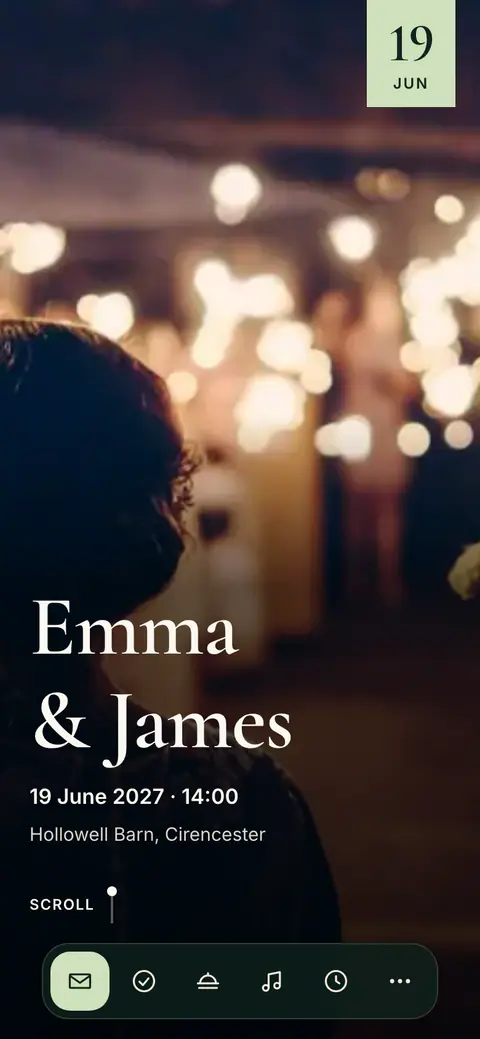
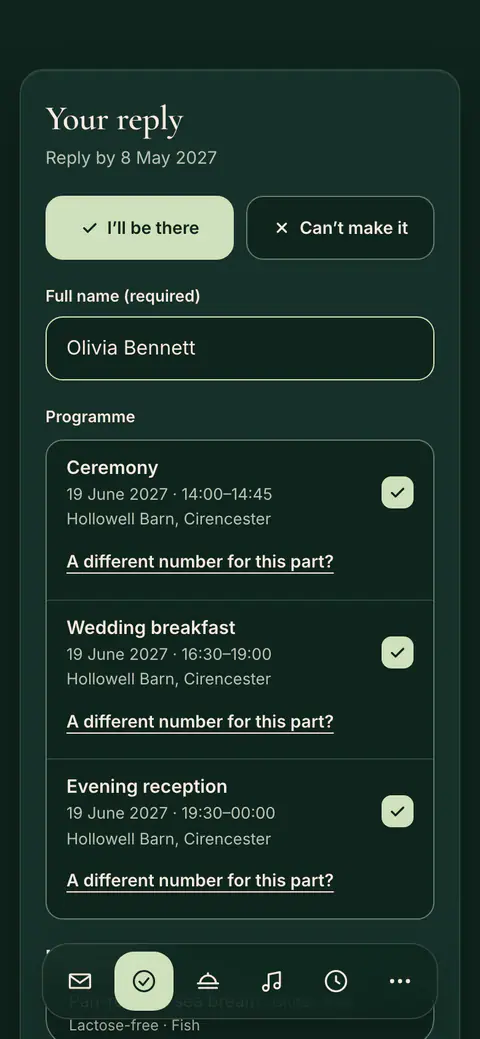
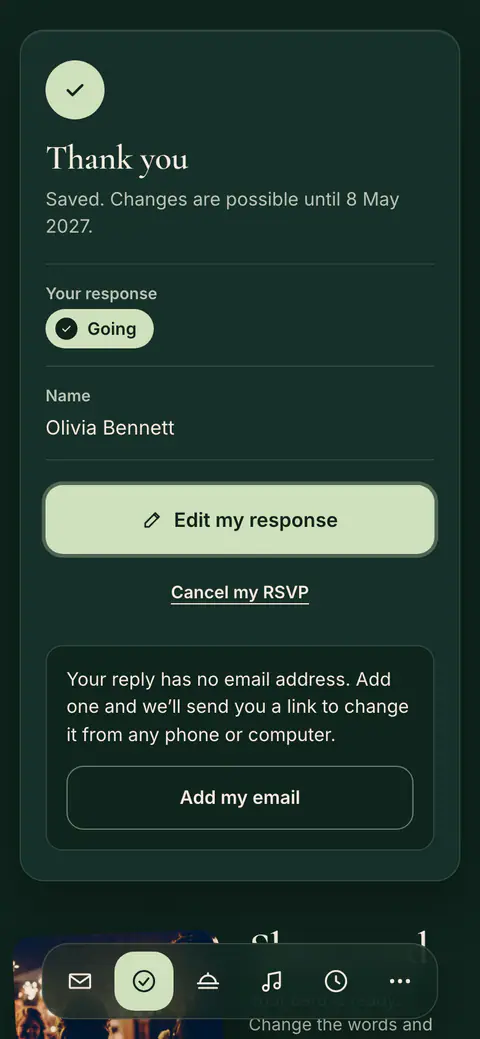
- The cover: your names, the date and the place, on your photo or a Vowly photo, or in large lettering when you choose no photo.
- Your description: the description of your event, under the cover. If you have not written one, nothing stands there.
- The reply: the form guests reply with. See How does the reply form work?
- Your sections: the programme, the venue, places to stay, the questions and answers and the other sections you have filled in.
- The end of the page: your names and the date, the language guests can switch to, and a closed Legal line with Privacy Policy, Legal Notice and Report this page to Vowly.
The countdown is not shown unless you turn it on. See How do I show the countdown?
Which names are on the cover
- Wedding and engagement: the couple’s names.
- Birthday: the name of the person celebrating, with the age line. See How does a birthday invitation show the name and age?
- Corporate event: the company’s name.
- Party, dinner and housewarming: the hosts’ names.
- Baby shower, graduation and other events: the names you entered.
The title of your event is not shown on the invitation page itself. For events other than weddings and engagements, it still appears as the name of the browser tab and in the link preview of chat apps.
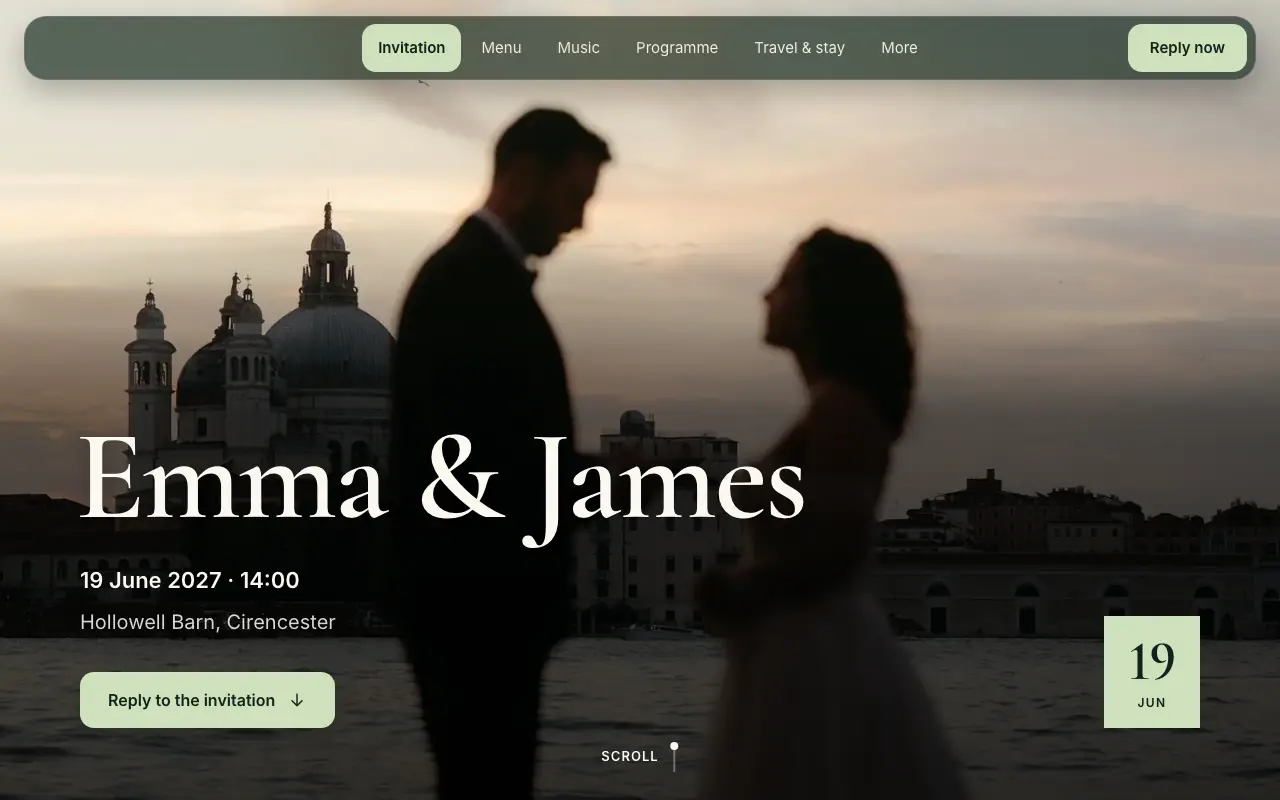
On a computer
On a computer the same invitation uses the wider screen. Each layout does this in its own way: see Which layout should I choose?
The language guests read
Every guest reads your invitation in their own language, in any of the nine languages of Vowly Event. The page opens in the language of the link or of the guest’s browser, and a guest can switch it at the end of the page. Your own texts, such as your description, are shown as you wrote them, unless you wrote them for that language too. See Which texts can I change on my invitation?
The link preview and the emails
- In a chat app: when you share your link, the preview shows a picture in your design: your cover photo, or a plain card in your colours with no photo, with your names and the date. Under it, chat apps show a short line inviting guests to open the invitation and reply.
- Behind a PIN: the picture shows no date.
- In the emails: the emails your guests receive have buttons in your design’s colour and headings in its lettering, and the invitation email shows your cover photo.
With a PIN
If your invitation is locked with a PIN, guests who open the general link first see a page in your design with your names, the words This event is private and four boxes for the PIN. After Unlock, the whole invitation opens. Personal links and the QR code never ask for it. See Protect your invitation with a PIN.
Frequently asked questions
Why is the title of my event not on the invitation?
The new designs open with the names, not the title: the couple, the person celebrating, the company or the hosts. Your description stands under the cover. The title is still the name of the browser tab and appears in the link preview of chat apps for events other than weddings and engagements.
Where did the Who’s who and Welcome sections go?
The new designs do not have them. Your welcome words belong in your event’s description, which stands under the cover. Invitations with a theme keep these sections as before.
Do my guests need the app?
No. Guests open the invitation in their browser, with no app and no account.
Was this article helpful?
Related articles
Still need help?
Our support team is here for you.
Chat with us
Ask your question in the chat. A person from our team replies within one business day.
Email us
Write to us from your account’s email address and add a screenshot if you can.
support@vowly.co